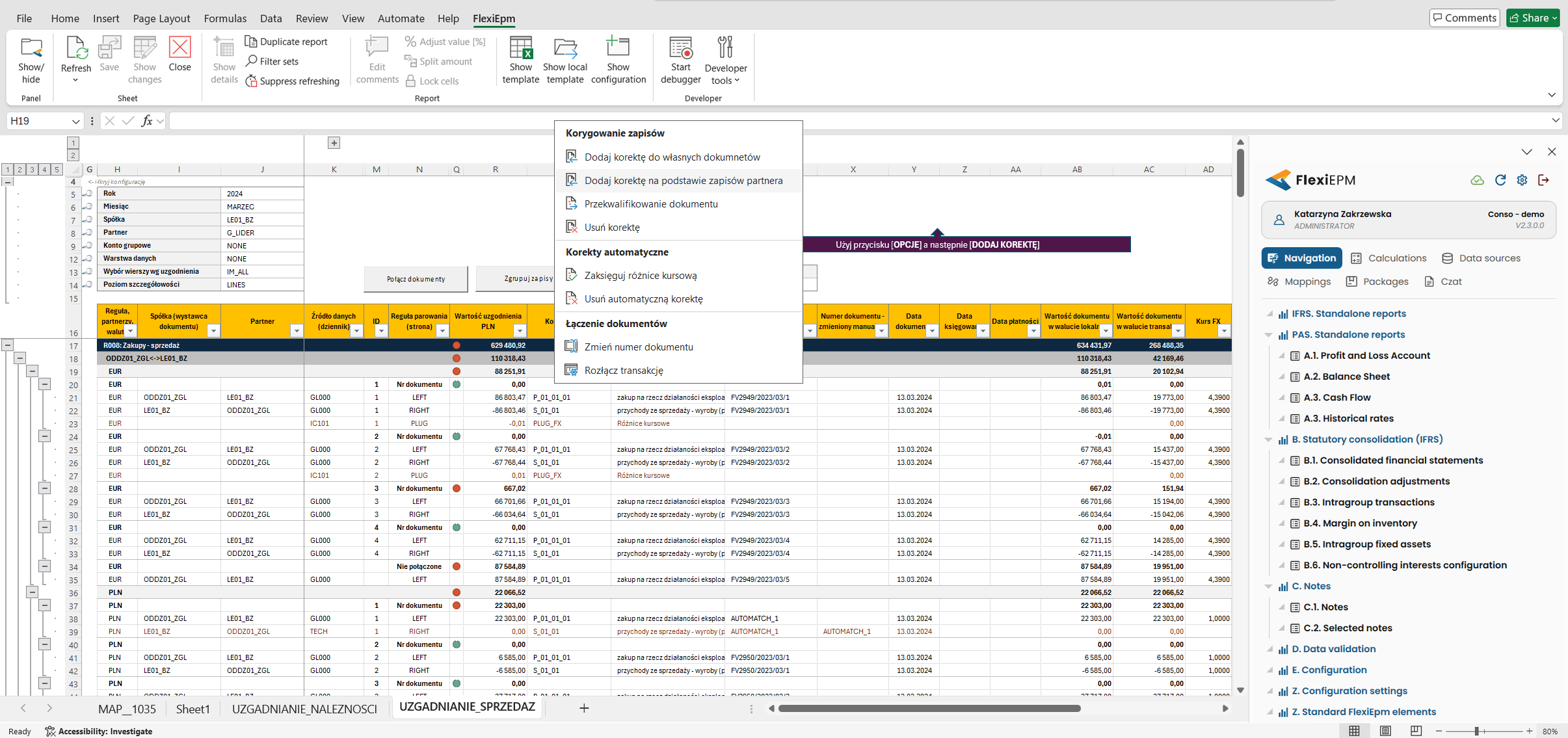
Reconciliation starts with company data. FlexiEPM takes it from the source each company already has:
- Chart of accounts analytics. When counterparties have their own sub-accounts, as is common in systems such as Comarch, Symfonia or enova, the partner is set in the mapping table and balances come straight from the trial balance. This usually covers receivables and payables, because companies rarely keep partner analytics on revenue and expense accounts.
- Partner dimension in the trial balance. Some systems, for example Microsoft Dynamics (Navision), record the partner as an analytical dimension, which covers both the balance sheet and the income statement.
- Intercompany report from the ERP. Some systems, often SAP, provide a report with account, partner, currency and amounts in company and transaction currency.
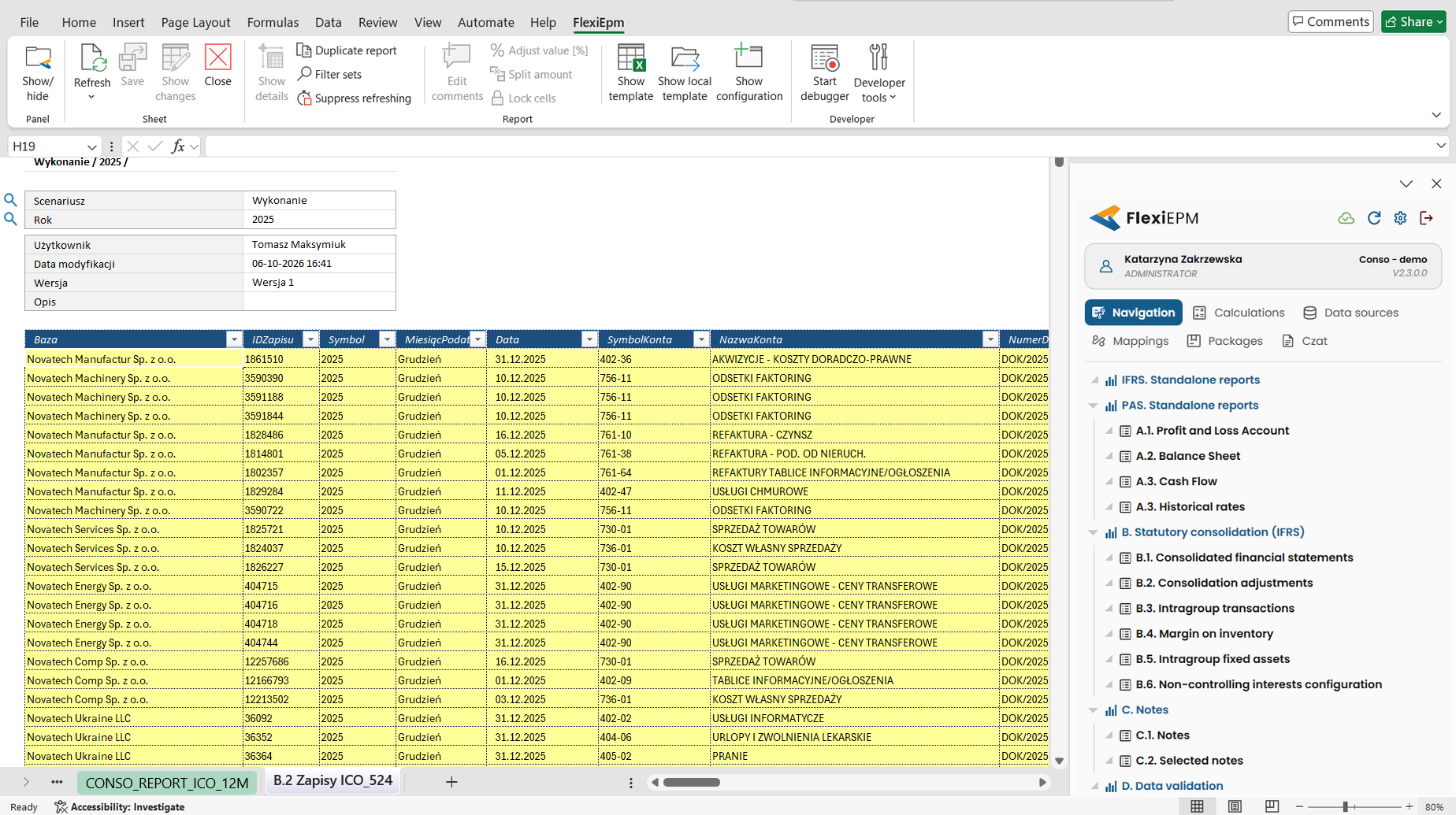
- Document import. Invoices or journal entries with number, date, amount and currency. The system identifies the partner by counterparty or tax ID. This takes more work at implementation, but differences are easier to explain because the specific documents are visible right away.
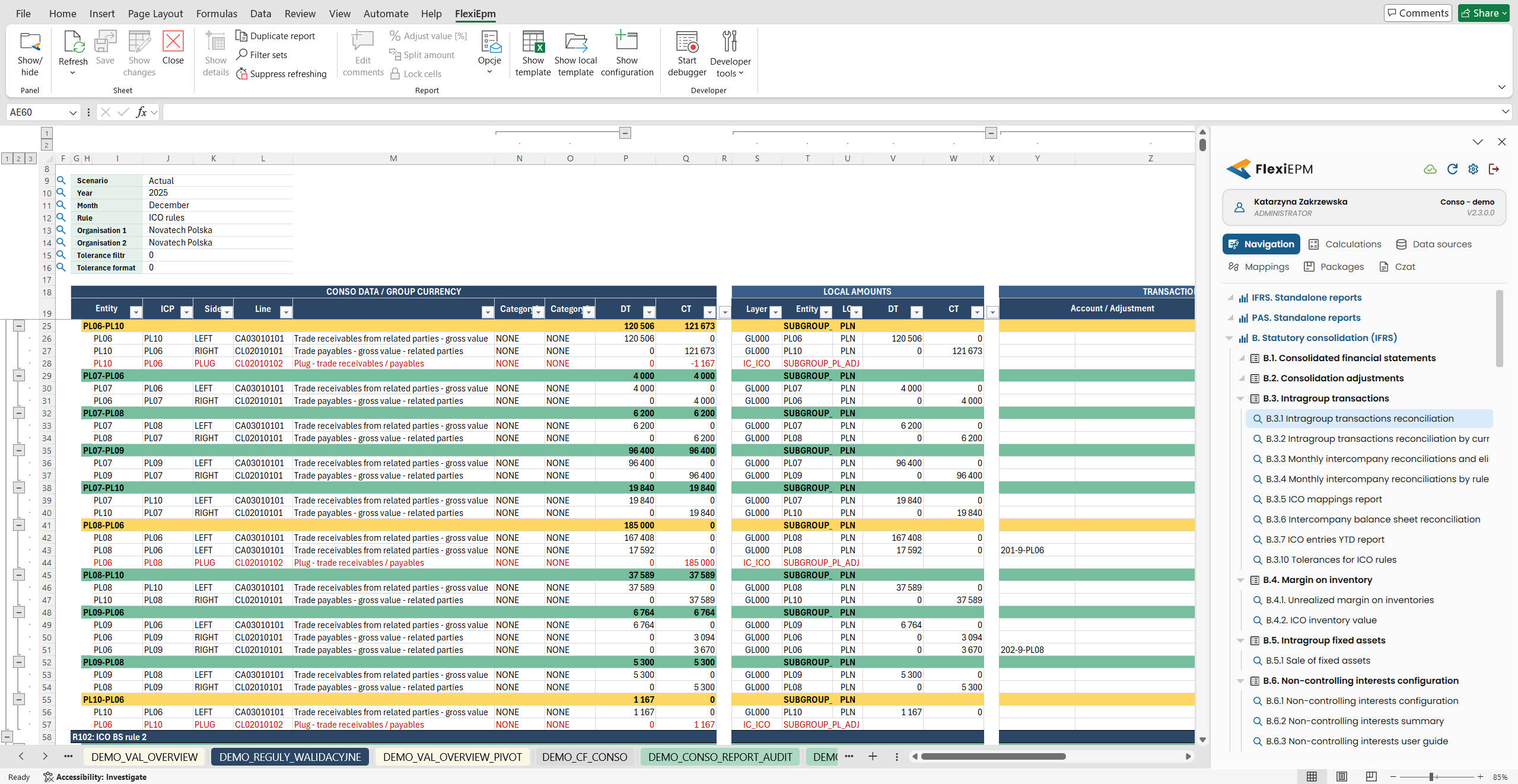
Sources can be combined, also within one company, for example receivables and payables from the trial balance and revenue and costs from journal entries. Smaller companies, companies with closed ERP systems or outsourced accounting can upload Excel tables. Manual templates are for cases where none of these options is available. Whatever the source, all data lands in one layout: company, partner, group account and amounts in company and transaction currency.
Data enters the system through an integration with the accounting system or by pasting a report from the accounting system. When companies have their own systems, mappings, that is, assigning accounts, counterparty codes or tax IDs to group companies, are usually maintained by controllers or accountants in the companies.